Best Cable for CarPlay and Android Auto — What to Look For
A flaky CarPlay or Android Auto experience is often just a cable problem. This guide explains what to look for — whether your in Android or your iPhone uses Lightning or USB-C — and recommends cables that stay stable in daily use, the car, and on trips.
Reading time: 1–2 minutes
Why the right cable matters
Android Auto and Apple CarPlay carries both data and power. A worn, under-specced, or poorly shielded cable can cause dropouts, lag, or the system failing to start. The right cable reduces interference, handles repeated bending, and fits snugly in the ports.
MFi vs. non-certified (for Lightning iPhones)
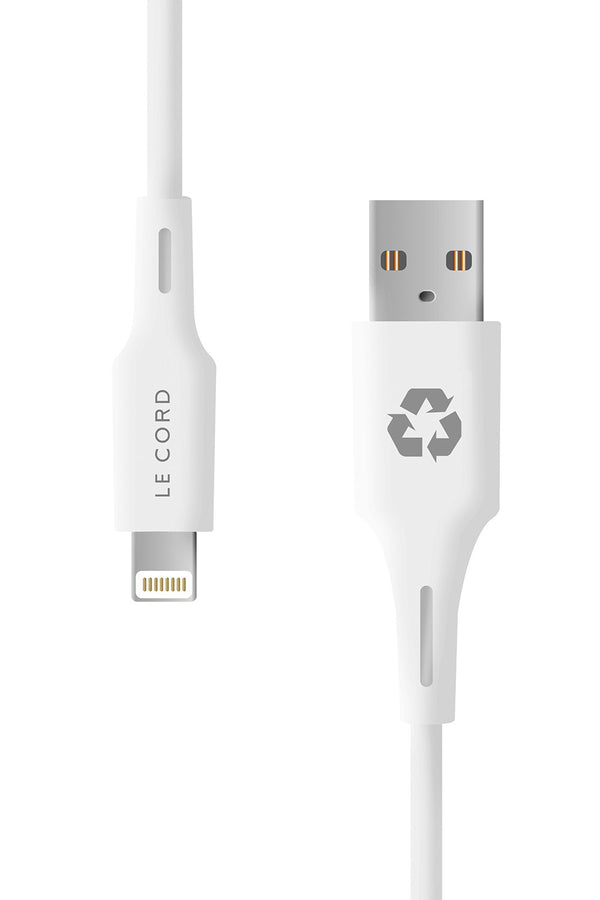
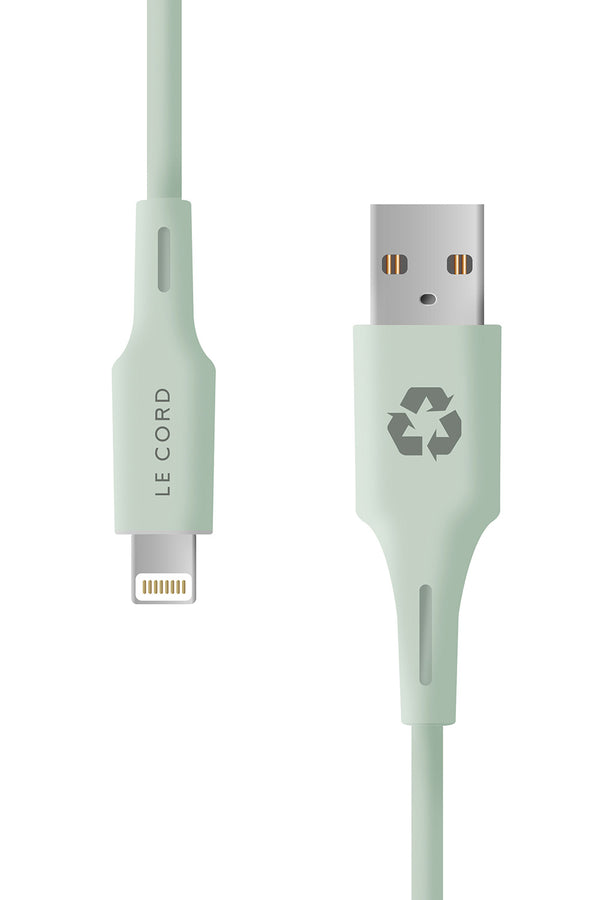
MFi (Made for iPhone) is Apple’s certification ensuring Lightning compatibility and quality. For CarPlay with a Lightning port you should always choose MFi — it prevents random disconnects.
USB-C on Android + iPhone 15 and newer
If your iPhone has USB-C, CarPlay works with a USB-C cable (USB-C to USB-A or USB-C depending on your car). Choose a cable that guarantees stable data (USB 2.0 is enough for CarPlay and Android Auto) and strong connectors with proper strain relief.
Cable length in the car — 1.2 m vs 2 m
- 1.2 m: ideal when the port is close to the phone tray and you want minimal clutter.
-
2 m: better when the port sits farther away or passengers use the phone. Pick good shielding and low resistance so length isn’t an issue.
Durability & materials
Look for:
- A braided or otherwise tough outer jacket.
- Grippy, durable shells made from recycled materials (e.g., recycled fishing nets / “Ghost Nets” or locally sourced recycled plastics) for both longevity and environmental benefits.
Quick buying checklist
- MFi (if Lightning) or a robust USB-C cable.
- Length: 1.2 m or 2 m based on your car layout.
- Durability: reinforced connectors, hard-wearing jacket.
-
Android Auto and CarPlay-tested: connects quickly and stays stable on all iOS and phone versions.
Our recommendations
- 2-in-1 Multi Cable USB-C · 60W · CarPlay — perfect when you switch between Lightning and USB-C. Stable CarPlay and Android Auto performance, fast everyday charging.
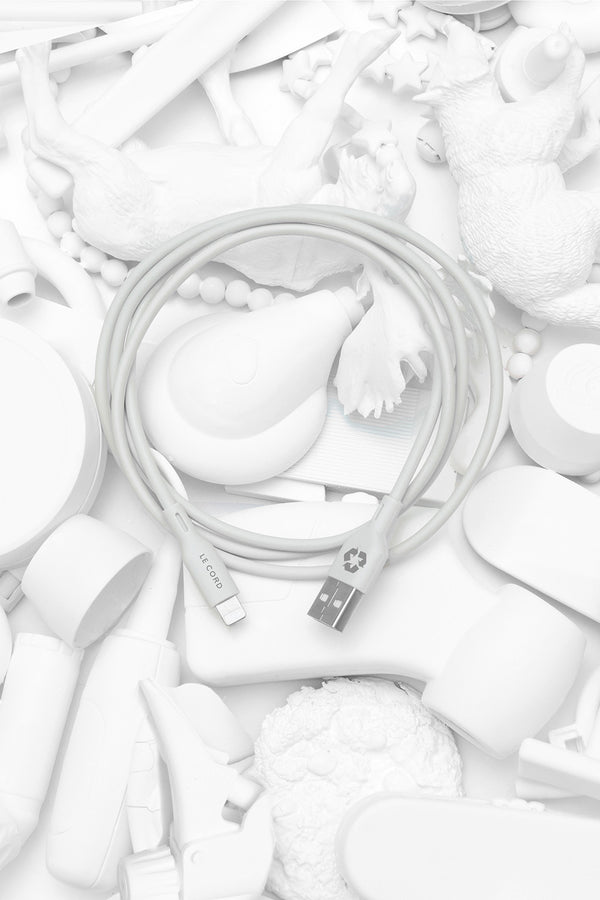
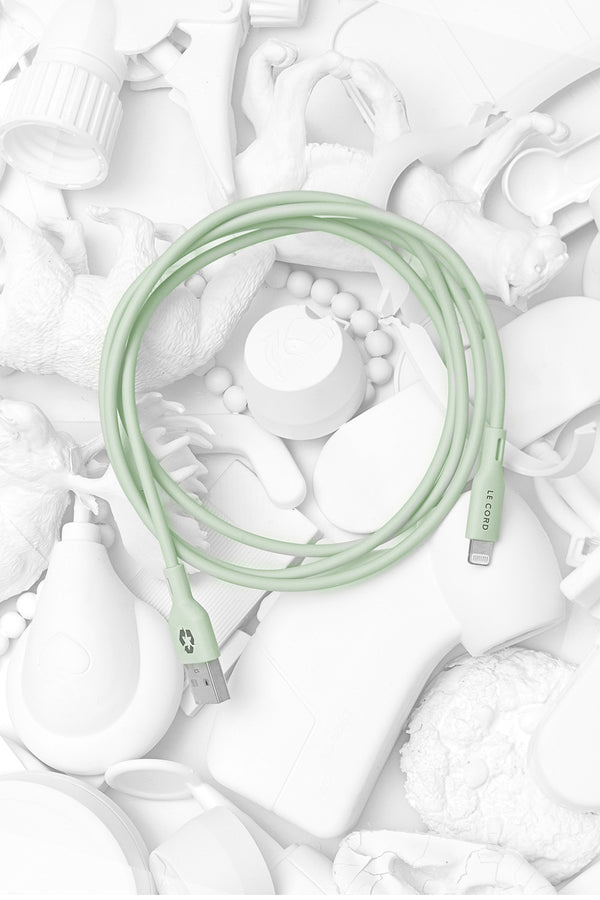
- MFi Lightning 2 m — Ghost Net — extra reach, MFi-certified, shells made from recycled fishing nets.
-
USB-C to USB-C 100W (Sea Black/Blue) — for USB-C iPhones (and Android/laptop). Built to last.
Troubleshooting tips in the car
- Try a shorter cable and switch ports if possible.
- Clean the connectors gently.
- Toggle CarPlay off/on in your car’s menu and on iPhone (Settings → General → CarPlay).
FAQ
Does wireless CarPlay and Android Auto eliminate the need for a cable?
Yes, if your car supports it. A cable is still often faster to connect and more stable on long trips.
Do I need a “fast-charging” cable for CarPlay and Android Auto?
CarPlay and Android Auto primarily needs stable data. A quality 60–100W cable is a nice future-proof bonus.
Is 2 m too long?
Not if the cable is well built. Choose strong shielding and reinforced strain relief.
Explore charging cables for Apple iPhone 17
Explore charging cables for Xiaomi 17
Explore charging cables for CarPlay and android Auto